Author: Brittany Gates

  • Best Data Center Work Locations In America

    Best Data Center Work Locations In America

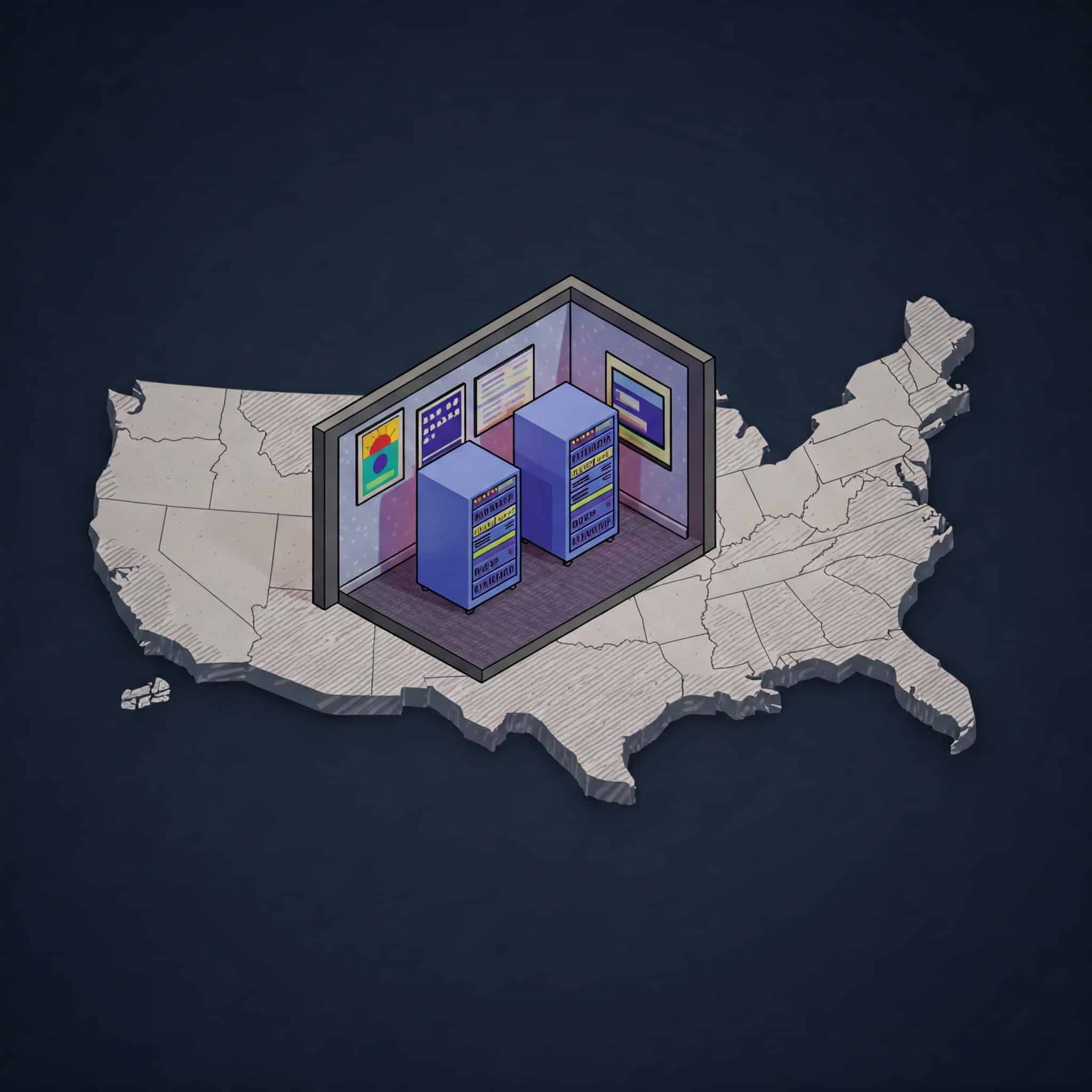
    This post continues my series of posts trying to help individuals get a job as a Data Center Technician. This role has seen more positions open, along with increased popularity, due to the boon of Artificial Intelligence (A.I.) here in America. Companies continue to invest in their own on-premise compute, or buying compute from other companies. Thus, data centers need more employees (such as Data Center Technicians) to meet customer demand. Where are those jobs located? I’m glad you asked! In today’s posts I provide the best data center work locations in America.

    Why Choosing One Of The Best Data Center Work Locations Is Important

    As an experienced Data Center Technician choosing where to work is important because there are some states where data centers aren’t plentiful. Thus, if one lives one of those states getting a Data Center Technician job is going to be difficult, if not impossible.

    So it’s best to move to a state and/or city where there are dozens of data centers. In turn, the chances of getting a job in one improves. Also, I want interested applicants to get paid what their worth, which means choosing to live in one of the best data center work locations.

    Data Center Techs Best Work Locations In America

    Here’s the list of the cities providing the best data center work locations in America in no particular order:

    • Ashburn, VA
    • Atlanta, GA
    • Phoenix, AZ
    • Central Ohio

    Ashburn, VA

    Ashburn, VA is on the list because it is “Data Center Alley.” This city is home to Silicon Valley data centers like Google, Amazon, and Microsoft, to colocation providers like Equinix, QTS, and Digital Realty. In addition, there are many data centers providing the U.S. Federal Government support.

    Why should data center technicians choose Ashburn, VA? Here are two reasons:

    Plenty of employers: With over 60 data centers in the city there are plenty of employers to choose from. Which means it will be easier to find an entry-level data center position for those new to the role, or find a senior position for those more tenured. Also, with so many employers vying for workers they offer higher salaries and better benefits.

    Great networking opportunities: The city and the county holds events constantly where Data Center Technicians can get together and talk. These events also help those individuals find better jobs, or improve their skill-sets by learning about new technologies.

    While this city is a great place to move to there are two downsides:

    • High cost of living
    • Traffic

    I’ve been to this part of Virginia since my employer has a few data centers there and life is expensive there. Housing is crazy expensive, no matter if you rent or buy. Food is expensive, even if one shops at Walmart. Going out on the town is expensive. Just everything is expensive.

    Finally, traffic is bad in the city due to its closeness to Washington, DC. Yes, the toll roads help, but that’s another added cost. I didn’t take the toll road when I worked there and just dealt with the traffic.

    Atlanta, GA

    Next on the list of one of the best data center work locations is Atlanta, GA. Georgia is my home state so I’m biased, but there are several data centers in the Atlanta, GA metro area. They range from major Silicon Valley companies like Google and Meta, but they are located in suburbs (Douglas County and Walton & Newton County respectively). However, the city contains major data center colocation providers.

    Why should data center technicians choose Atlanta, GA? Here are a couple of reasons:

    Most of the employers are located in Downtown Atlanta: This really helps with commuting purposes. One could decide to live close to downtown and walk to work (or take public transportation).

    Various types of data centers are available to choose from: If you want to work for a data center handling state lotteries there’s Scientific Games. Or if you want to work with various types of customers then work at Digital Realty, QTS, or Equinix.

    While this city is a great place to move to there are two downsides:

    • The cost of living continues to increase
    • Terrible traffic

    I lived and worked in Atlanta for about 8 years (2014 to 2022), and I saw the cost of living continue to increase year after year. My rent increased from $650 to $800+ before I bought a house in 2020. Today the rent for my previous apartment now just under $1100 per month!

    Finally, the traffic in Atlanta is just plain terrible. There’s too many people, not enough public transportation, and the highways weren’t built to contain it all. Yes, the city continues to expand the highway system and its city streets, but it’s not enough.

    Phoenix, AZ

    Let’s jump over to the West Coast for a moment. One of the best data center work locations is Phoenix, AZ. There are 40+ data centers in the area. And if you don’t mind traveling 20 miles away there is the Apple data center in Mesa, AZ which is considered their global command center. Like the other two cities on this list Phoenix has several major colocation providers like PhoenixNAP, H5, Digital Realty, and QTS.

    Why should data center technicians choose Phoenix, AZ? Here are two reasons:

    • Decent cost of living
    • Various employers to choose from

    Unlike the other two cities on this list Phoenix, AZ has a decent cost of living. It is higher than what it used to be due to the influx of Californians moving into the city over the past few years. Yet, when I check out the cost of living for the city is only 4% higher than the national average. Housing is high, however, just like it is in every major American city.

    Finally, just like the other cities there are plenty of employers to choose from. So it shouldn’t be too hard to get a job.

    New Albany, OH

    The last location on this list may surprise readers because it’s not a city well-known to many. However, more people will probably know of it within the next 3 to 5 years: New Albany, OH. It’s a suburb of Columbus, OH, and is home to data centers for Google, Amazon, Meta, and in the next few years Microsoft. In short, this part of Ohio is becoming a place for Big Tech and I expect this part of Central Ohio to become a tech hub in the next few years.

    So if anyone wants to work for a major tech company without moving to California this city is the top choice. However, this move is going to come with some costs. Housing is getting more expensive in the area. That’s due to the large salaries these companies pay for talent. And Columbus, OH is the capital of the state, and people move out to the suburbs and commute into the city for work. Finally, you’ll have to deal with traffic. Yet, like with Atlanta, the city and the state are working on expanding the highway system.
  • Data Center Technician Job: Here’s How To Get One

    Data Center Technician Job: Here’s How To Get One

    Let’s get you a job! Yes, you, the reader of this post. Keep reading to learn how to get a Data Center Technician job. This guide works for individuals already working in Information Technology, or switching to this industry. By following these steps (along with putting in the work) you can land an entry-level role.

    How To Get A Data Center Technician Job: Learn Computer Hardware Installation & Troubleshooting

    The first part of this step to get a Data Center Technician job is to learn computer hardware installation and troubleshooting. The reason this step is important because one of the role’s daily tasks is to install hardware inside servers like hard drives or memory. Or technicians may have to upgrade a server’s hardware. Thus you need to know how to safely install and remove all types of hardware components.

    A great way to learn this is to build a computer from scratch. Now I know this requires individuals to spend money, but learning isn’t free. To save some money I suggest buying a refurbished desktop computer and buying refurbished computer parts. Going this route can save a considerable amount.

    The second part of this step is to learn computer hardware troubleshooting skills. Depending on the location individuals may have to troubleshoot server troubles and determine the faulty part. Or a senior technician may do the initial troubleshooting and leave the rest up to a technician. YouTube videos cover this in detail, or people can read troubleshooting documentation from computer part manufacturers. I do consider hardware troubleshooting an art, and it takes a good amount of time to become good at.

    How To Get A Data Center Technician Job: Consider Certification

    A good way to get a Data Center Technician job is to consider getting an IT certification. I highly suggest an entry-level tech have the CompTIA A+ Certification. This entry-level certification is good for all types of jobs, including those in the data center. To get the certification one has to study and pass two exams. Each exam is currently $253 USD. Yes, I know that can be expensive for some, but there is good return on that investment.

    Final Step: Apply For Jobs At Colocation Data Centers

    My final step on how to get a Data Center Technician job is to apply for jobs at colocation data centers. These are properties not tied to a particular company like Google or Apple. The reason I suggest this because these jobs are plentiful and offer more entry-level roles.

    Also, colocation data centers offer broad experience. Technicians will do everything from swapping faulty hardware to running cabling under elevated flooring. Finally, these roles also and teach individuals how to monitor the health of the servers and the facility’s cooling and generators.

    So who are some colocation data centers you can consider? Here’s a short list:

  • My Data Center Employment History

    My Data Center Employment History

    As an introduction to the “changing gears” posts I’ll discuss my data center employment history over the years. I worked at both large colocation data centers as well as the hyperscalers Silicon Valley companies built to server their customers.

    My Data Center Employment History: What Aroused My Interest

    Before I can discuss my data center employment history I need to explain how I got my start in the Information Technology field.

    I graduated college in 2004 with a BA in English with the dreams of becoming an author. Throughout my 20’s I tried to get an agent interested in my books, but that didn’t happen. While getting rejection after rejection I worked various jobs that had nothing to do with my degree. By late 2007 I gave up on my dreams and focused on finding a stable career so I could live.

    After researching what career I could do without going back to college I discovered IT. I had personal experience of fixing computers for family, friends, and coworkers. After some more research I decided to try to pivot into that career. Thus, I studied for the CompTIA A+ certification for the rest of 2007. I took and passed both the exams in March 2008. By May 2008 I got my first entry-level IT job.

    After working different IT jobs I came across mini data centers in the places I worked. I could look at the one or two racks of servers, but I couldn’t touch them or even enter the room without an escort. Yet, I wanted to do that work which meant I had to improve my skills.

    My Data Center Employment History

    Peak 10 (Flexential)

    In 2014 I got my first data center technician job at Peak 10 (now Flexential) in Alpharetta, GA. I worked the third-shift performing duties like rack and stack, assist customers, monitored systems, running Ethernet and fiber optical cabling, and installing Power Distribution Units (PDUs) to name a few. It was a good introduction into a mid-size colocation data center, and the regular duties technicians faced.

    Short-Term Contracting Stint

    I worked a short-term stint repairing servers in a data center for a company (whose name I’ll leave hidden for this section). There was nothing wrong with the company, but I had problems with the other contractors I worked with. They weren’t nice or helpful due to the immense competition to get a permanent job there. Thus, it was too difficult to get assistance from them. Some of the other contractor were outright hostile to others. By the third month I decided I had enough and left.

    Working For Twitter

    In 2017 I got a job as a Site Operations Technician at Twitter to work at their Atlanta, GA data center. I was ecstatic to get this job because I enjoyed using Twitter, and wanted to work at a Silicon Valley company.

    Overall, I enjoyed my time there because I learned so much. Plus, Twitter’s data centers were huge so I got my steps in! Finally, it was quite a daunting task to learn where certain racks were due to the different rooms in the building. I stayed at Twitter for over 3 years, leaving in December 2020 to start my own business.

  • The Posts’ Theme Will Temporarily Change

    The Posts’ Theme Will Temporarily Change

    Starting tomorrow the posts’ theme on my website will temporarily change. I won’t post new content regarding any new programming topics I’m learning, or any new projects on my GitHub. Although I’m still doing that, I just won’t write about it. So why this change? I’ll explain.

    I’ll Change The Posts’ Theme Temporarily To Post Some Career Advice

    The main reason why I’m changing the posts’ theme for a short amount of time so I can post career advice regarding my current role as a Data Center Technician.

    I used to post that content on another domain name I own from late 2023 to the middle of 2024. However, I took down that website after running into some trouble about the interview preparation suggestions for the Data Center Technician role at Google. I either had to edit those posts to remove specific bits of information, or just delete the entire post. At the time I was busy traveling for work and had to move apartments, so it was easier to delete everything.

    However, I decided to repost that content on this website with the required edits? Why did I change my mind? I got some messages on LinkedIn from a few people who remembered my content and used it to get a Data Center Technician job at another company. And recently some of teammates who have a short tenure than me said they found my content when they searched online to prepare for their interview.

    This got me thinking again about how my content did help so many people. And there are more people who need help navigating the current Tech Job Market. (Note: I’m going to write a post about how the Tech Job Market Isn’t Cooked so look out for that too.)

    The upcoming posts are all about how to get a Data Center Technician job, my employment history working in data centers, and the skills one needs to learn or improve to pass the interview and get the job.

  • I Recommend Python Crash Course To Beginners

    I Recommend Python Crash Course To Beginners

    Some time back I wrote about switching from using videos to improve my Python programming skills to using books. The first book I recently completed was “Python Crash Course” by Eric Matthes from No Starch Press. This is a highly-recommended book I found in many YouTube videos when I searched for Python programming books. I purchased the book even though I don’t consider myself a beginner in the language anymore because I felt this was a good starting point with my choice in switching learning content. In this post I want to break down the reasons why I recommend Python Crash Course to beginners.

    Why I Recommend Python Crash Course To Beginners

    There are two reasons why I recommend Python Crash Course to beginners:

    1. The author explains the basics of the entire language in just 223 pages with easy-to-understand language, detailed screenshots, and code examples.
    2. The second half of the book contains three different types of projects (with the author’s help) to reinforce the knowledge the reader gained.

    Note: In a future post I will review the three projects so keep a look out for that.

    Here’s how the author teaches the basics of the language to beginners. First, he starts by demonstrating how the reader should create the proper coding environment for Python. This includes installing the language onto different operating systems, defining what an Integrated Developer Environment (IDE) is and providing different ones to use, how to create and run the famous “Hello World” program, and how to run Python programs from a terminal.

    After that setup, it’s time for the beginner to learn about variables and the simple data types (strings and numbers [int, float]). Then there’s a short section about what comments are, how to write them, and where to include them. Good stuff.

    The next few chapters introduce beginners to Lists and Dictionaries, and how to utilize them in code. Learning about these data structures can be difficult due to the amount of features they can accomplish. In addition, their syntax can be difficult for some beginners to understand. However, the author gives plenty of code examples and simple explanations to help them.

    Finally, the author spends a good amount of time in other chapters describing about logic statements (if, elif, else), how to create and use functions, and showcasing Object Oriented Programming (OOP). I was very surprised by how Eric Matthes clarified that difficult topic because it is a stickler for beginners. I remember how hard of a time I had understand and using OOP when I first learned about it.

    The Author Then Makes The Reader Work

    There is another reason why I recommend the Python Crash Course to beginners: It makes them create original code.

    The author just doesn’t allow the reader to type all the code he created into their IDE because that isn’t going to help that person learn the language. To become a successful programmer in any language requires practice. Thus, the author has a section called “Try It Yourself” that makes the reader solve some type of issue. Here’s an example from the Variables and Simple Data Types chapter:

    2-1. Simple Message: Assign a message to a variable, and then print that message.
    2-2. Simple Messages: Assign a message to a variable, and print that message. then change the value of the variable to a new message, and print the new message.

    This allows the reader to utilize what they just read about what a variable is, how to create one (in this case using a string), and how to use the “print” statement to print out the contents of that variable.

    As the reader progresses through the book, the Try It Yourself section becomes more and more difficult. I really do like these!

    Where To Get The Book

    Python Crash Course is available from No Starch Press. Or you can find it at your favorite book retailer. I think even some libraries may carry it so check around.